
FlyingFile2.3.4 - Get APK
You'll be able to download in few seconds.
Publisher Description
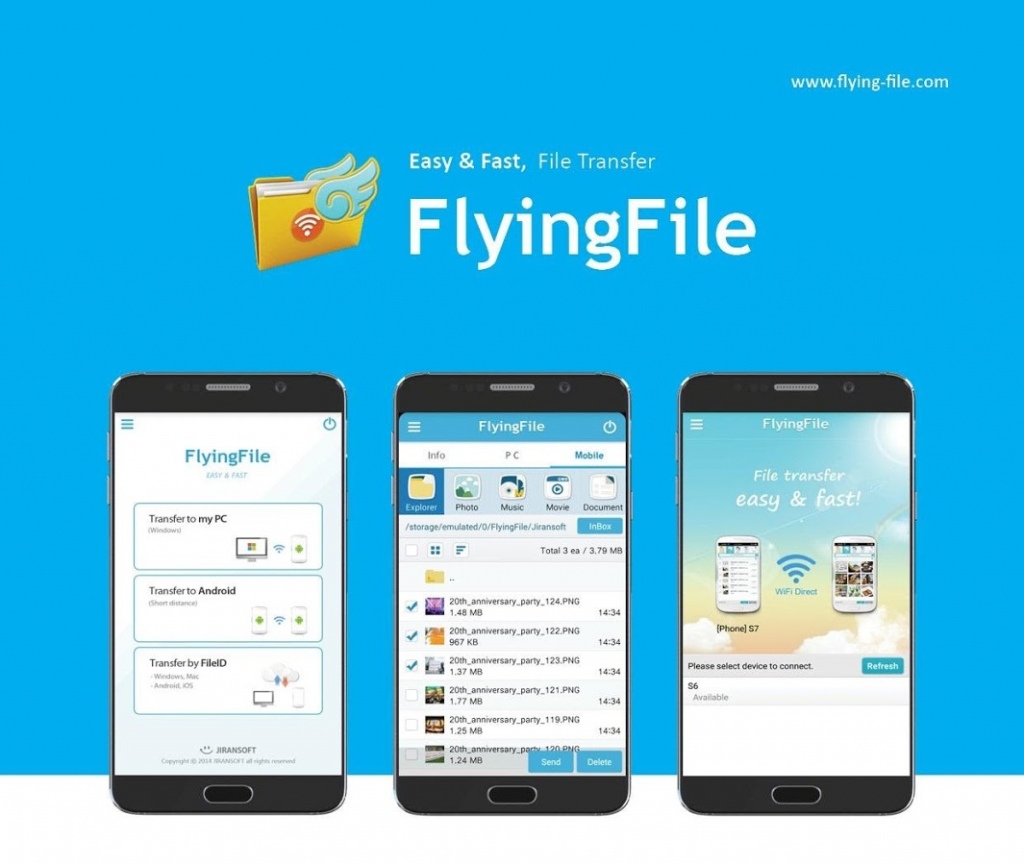
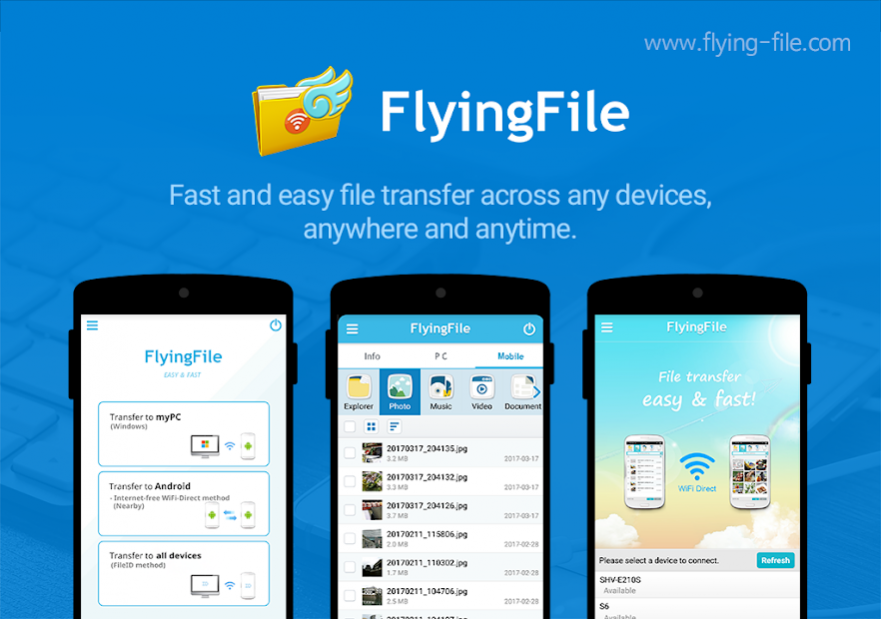
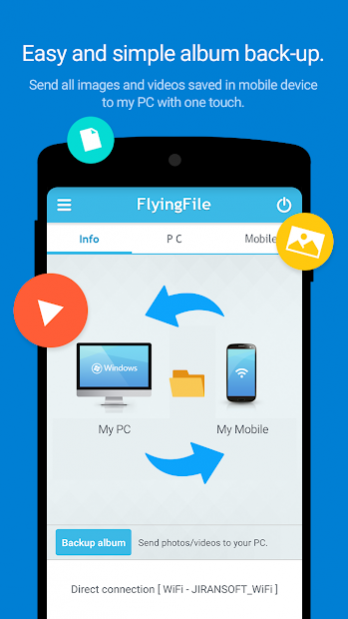
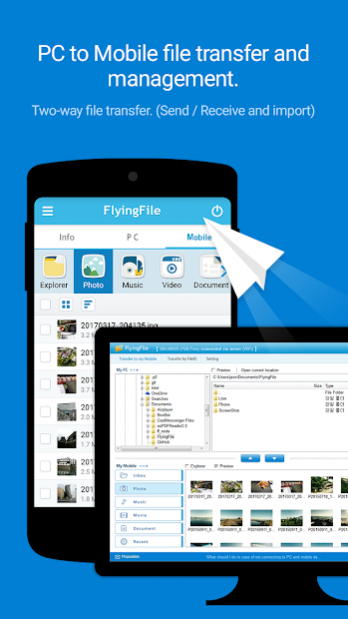
1. When transferring many photos stored on the smartphone to PC
2. When transferring a large movie or music file stored on PC to smartphone.
3. When transferring photos, music, videos, etc. to a new smartphone by changing the smartphone
4. Need to share photos and videos taken with family, friends
5. Auto retransmission function for stable file transfer
6. Support various file transfer method according to network environment
7. Supports category(photo, music, video, document) and explorer modes
◆ Transferring files between my PC and Android device
1. Real-time file transfer by connecting PC and mobile of same account
2. Wireless connection without USB cable
3. Supports sending / receiving files as well as importing files remotely
4. Support automatic retransmission when file transfer fails
5. Multi-file and large file transfer support
6. Folder transfer support
7. File management support for mobile on PC
◆ Transferring files between android devices
1. High-speed file transfer in state of direct connection by WiFi-Direct between Android devices
2. File transfer without using the Internet (WiFi/3G/LTE)
3. Transfer multi files and large files at up to 250Mbps
File Transfer by 'FileID'
1. Real-time file transfer between all devices using fileID
2. Supported by PC agent, mobile app, and web browser(www.flying-file.com)
3. Support multi file and large file transfer
FlyingFile app installation requires.
• Required access
- Storage:
Use to transfer or save files in a flying file
- Location information:
Required for file transfer using Wifi-Direct.
About FlyingFile
The company that develops FlyingFile is Jiransoft. The latest version released by its developer is 2.3.4.
To install FlyingFile on your Android device, just click the green Continue To App button above to start the installation process. The app is listed on our website since 2020-04-14 and was downloaded 0 times. We have already checked if the download link is safe, however for your own protection we recommend that you scan the downloaded app with your antivirus. Your antivirus may detect the FlyingFile as malware as malware if the download link to kr.co.jiran.flyingfile is broken.
How to install FlyingFile on your Android device:
- Click on the Continue To App button on our website. This will redirect you to Google Play.
- Once the FlyingFile is shown in the Google Play listing of your Android device, you can start its download and installation. Tap on the Install button located below the search bar and to the right of the app icon.
- A pop-up window with the permissions required by FlyingFile will be shown. Click on Accept to continue the process.
- FlyingFile will be downloaded onto your device, displaying a progress. Once the download completes, the installation will start and you'll get a notification after the installation is finished.
Program Details
System requirements
Download information
Pricing
Version History
version 2.3.4
posted on 2020-04-14
version 2.3.3
posted on 2020-01-09
Fixes the issue where device cannot be detected by WiFi-Direct due to the change of 'location' permission in Android 10 version
version 2.3.2
posted on 2019-10-23
1. Add file sharing function with 'Share' function in Google Photos app
2. Add sound and vibration notification when receiving Push on Android when selecting and sending Android device when sending file by fileID
version 2.3.1
posted on 2019-07-24
1. Add 'Storage Location' to the transfer screen when receiving files with File transfer to all devices(FileID) method
2. Other bug fixes
version 1.7.0
posted on 2017-01-11
1. New album backup feature,- Send all images and videos from mobile device to PC,- Send images and videos that have been added after the last backup,2. New category and feature for sending an app
version 1.6.1
posted on 2016-12-18
1. Added a file download feature via File ID link,2. Added FlyingFile in file sharing feature on the mobile device,- File ID will be automatically created if you share files via FlyingFile,3. Added a refresh feature by pull down the FlyingFile app screen.
Disclaimer
External Download
We do not host FlyingFile on our servers. We did not scan it for viruses, adware, spyware or other type of malware. This app is hosted by Galad and passed their terms and conditions to be listed there. We recommend caution when installing it.
The APK Download link for FlyingFile is provided to you by apps112.com without any warranties, representations or guarantees of any kind, so access it at your own risk.
If you have questions regarding this particular app contact the publisher directly. For questions about the functionalities of apps112.com contact us.
